refugiOS
Tu refugio digital y biblioteca de supervivencia.
Arranca en cualquier ordenador desde un pendrive y funciona al 100% sin Internet.
Prepáralo hoy en casa con calma
refugiOS no se instala en el disco duro ni sustituye a tu sistema habitual: lo llevas contigo en un pendrive y lo usas donde haga falta. La premisa es simple: prepáralo hoy con buena conexión para tenerlo listo el día que no haya red.
Al arrancar tendrás a mano Wikipedia completa, cartografía detallada de todo el planeta, inteligencia artificial local, traductor neuronal sin conexión y bóvedas cifradas para salvaguardar tu documentación vital sin servidores ni nubes.
Conocimiento
Enciclopedia completa, guías técnicas y manuales de supervivencia consultables sin conexión.
Cartografía
Mapas mundiales vectoriales y posicionamiento detallado sin necesidad de cobertura móvil.
IA Local
Asistente de inteligencia artificial integrado que razona y responde directamente en tu propio equipo.
Traductor Offline
Traducción neuronal de textos entre múltiples idiomas sin enviar datos al exterior ni depender de la nube.
Bóvedas
Cifrado robusto para proteger tus documentos personales, identificaciones y copias críticas.
Actualizador
Descarga atómica y verificada de nuevas ediciones de libros, mapas, modelos de IA y aplicaciones.
Comprobación
Auditoría sin red que verifica la integridad criptográfica de contenidos, modelos y bóvedas.
Un vistazo al sistema
Diseñado sobre un escritorio ágil, claro y preparado para funcionar en cualquier máquina.
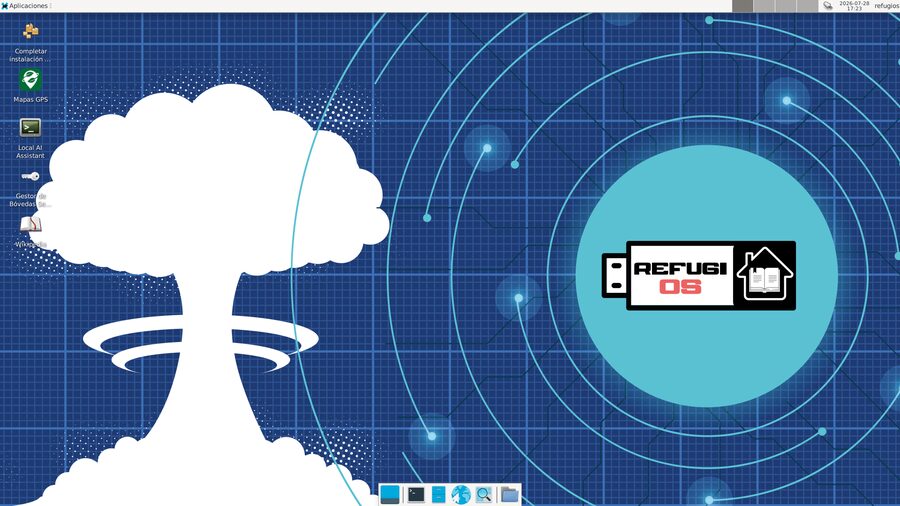
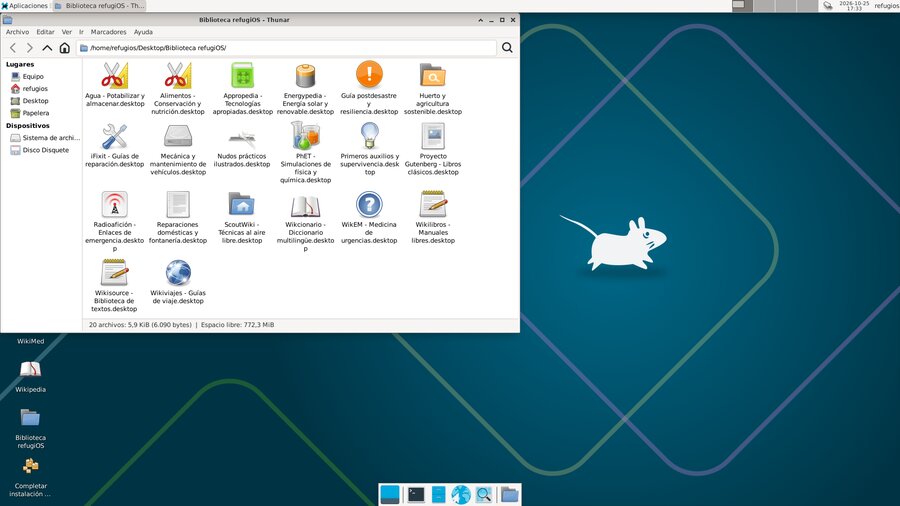
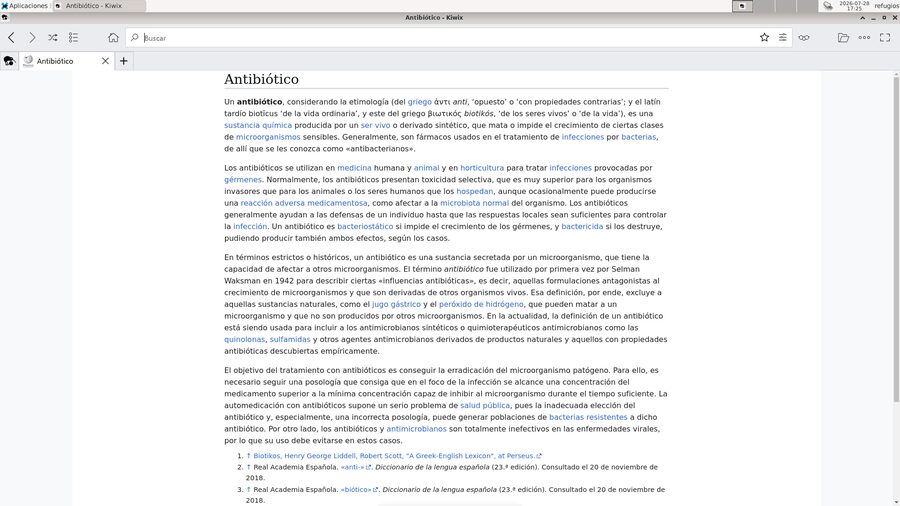
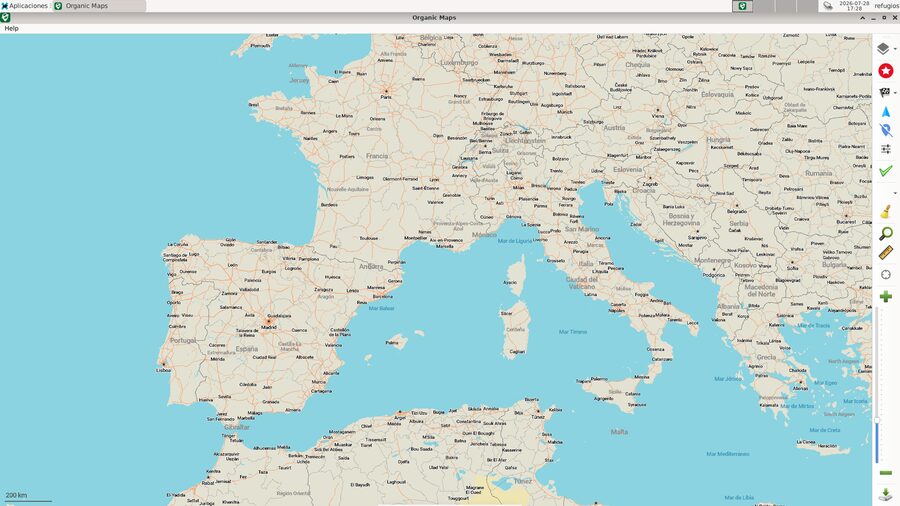
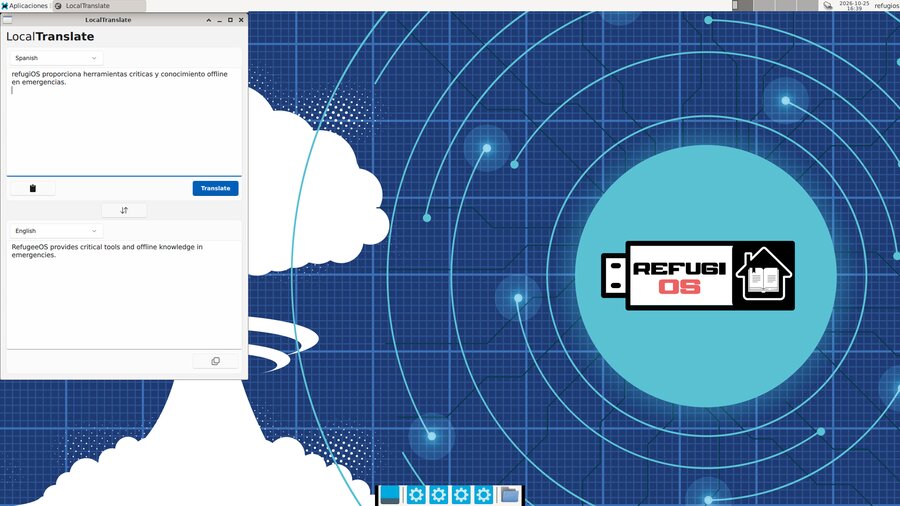
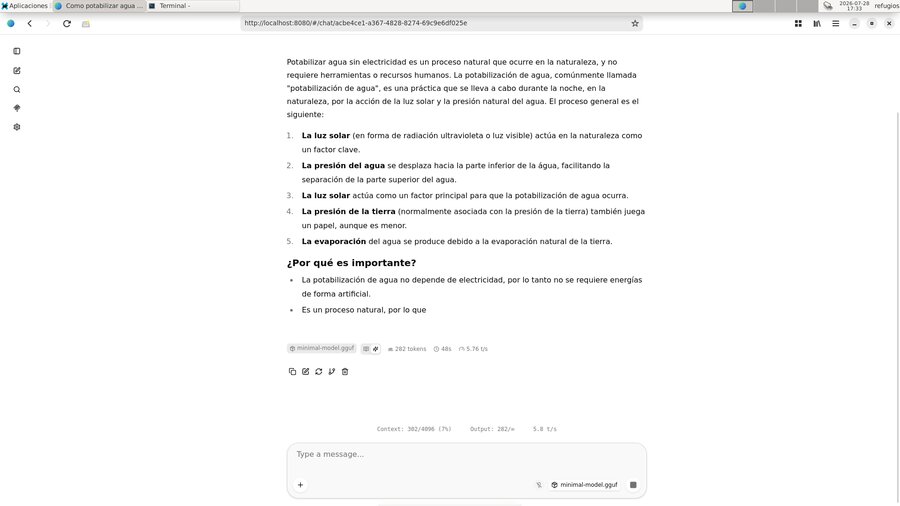
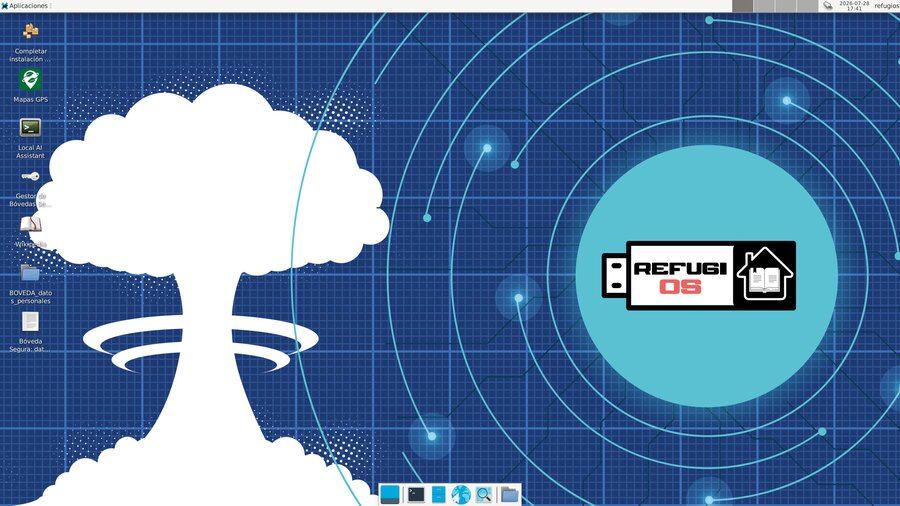
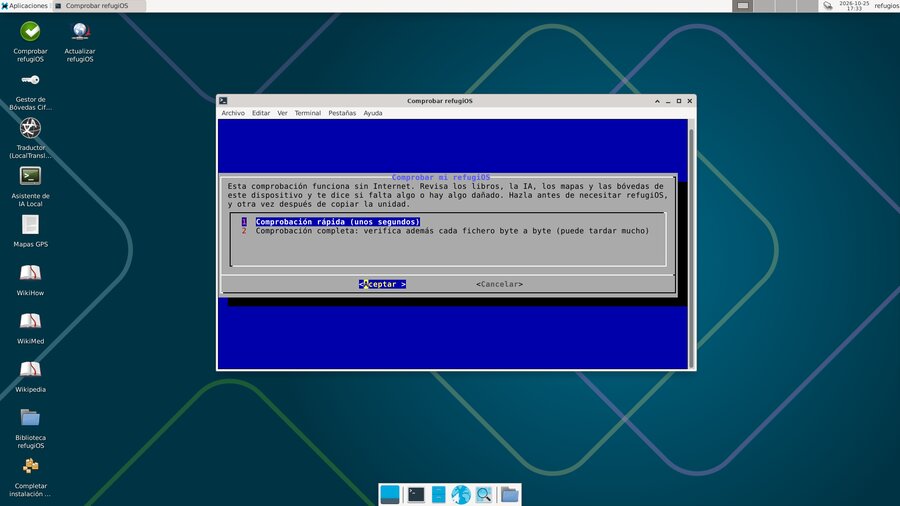
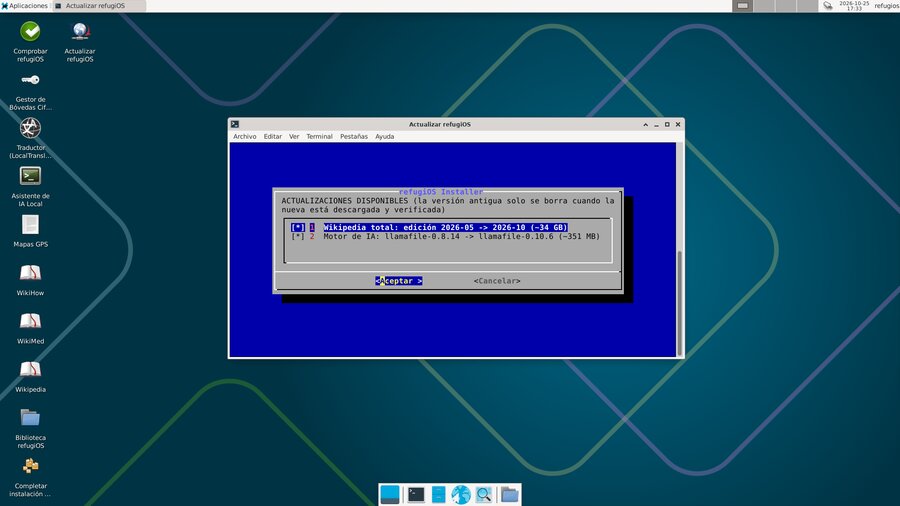
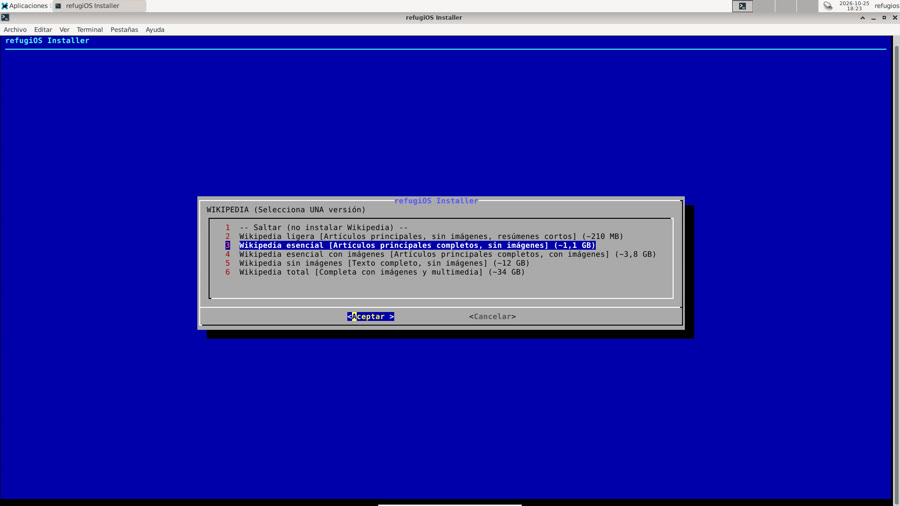
Colección ampliada con 48 capturas en español e inglés disponible en el repositorio oficial.
Descarga la imagen lista para USB
Descarga la imagen en tu idioma, descomprime el .zip y graba el archivo .img resultante en un pendrive (con balenaEtcher, Rufus o dd). Al arrancar el USB, el asistente de bienvenida te guiará en el primer inicio.
¿Llegó íntegra la descarga? Comprueba la firma SHA256
Al ser ficheros grandes (~2.8 GB), una mala conexión puede corromper la descarga. Descarga SHA256SUMS.txt en la misma carpeta que el .zip y comprueba la integridad:
En Linux:
sha256sum --ignore-missing -c SHA256SUMS.txtEn macOS:
shasum -a 256 --ignore-missing -c SHA256SUMS.txtEn Windows (PowerShell):
Get-FileHash refugios-base-16G-es.img.zip -Algorithm SHA256
Debe devolver OK o coincidir exactamente con el hash del archivo de sumas.
Las instrucciones paso a paso, los requisitos y las guías completas están en GitHub.
refugiOS
Your digital refuge and survival library.
Boots from a USB flash drive on any computer and runs 100% without an Internet connection.
Prepare it today at home with peace of mind
refugiOS is not a typical Linux distribution. It does not install on your hard drive or replace your operating system. It lives on a USB drive and boots on any PC or Raspberry Pi, working completely autonomously without installing anything on the host computer.
The concept is simple: prepare it today at home with a good Internet connection, so you have it ready the day there is no network. It carries a complete copy of Wikipedia, worldwide street mapping, an on-device local AI assistant, an offline neural translator, and encrypted personal vaults.
Knowledge
Full encyclopedia, technical survival guides, and medical manuals accessible without an Internet connection.
Mapping
Worldwide offline vector street maps and search capability without mobile network coverage.
Local AI
Integrated private artificial intelligence running entirely on your machine, requiring no remote cloud.
Offline Translator
Neural machine translation across multiple languages running 100% locally without leaking personal data.
Encrypted Vaults
Strong encryption to protect personal records, critical credentials, and vital family documents.
Atomic Updater
Safe, verified updates for book editions, map regions, AI models, and software packages.
Integrity Check
Offline self-check tool verifying cryptographic checksums of libraries, models, and vaults.
System Overview
Designed around a clean, responsive desktop ready to perform on standard hardware.
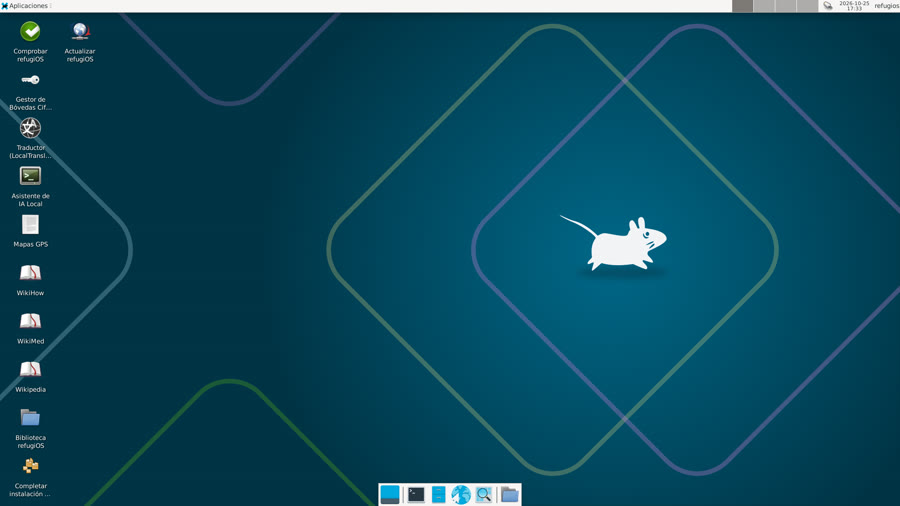
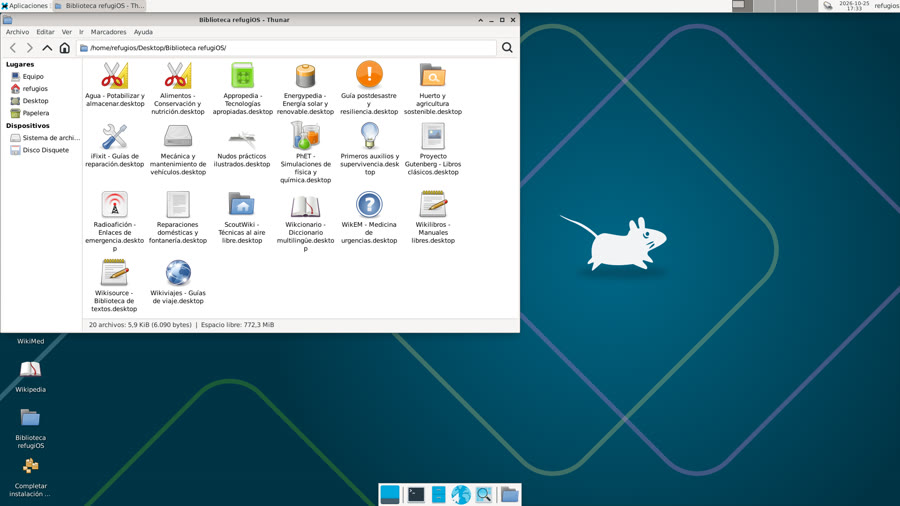
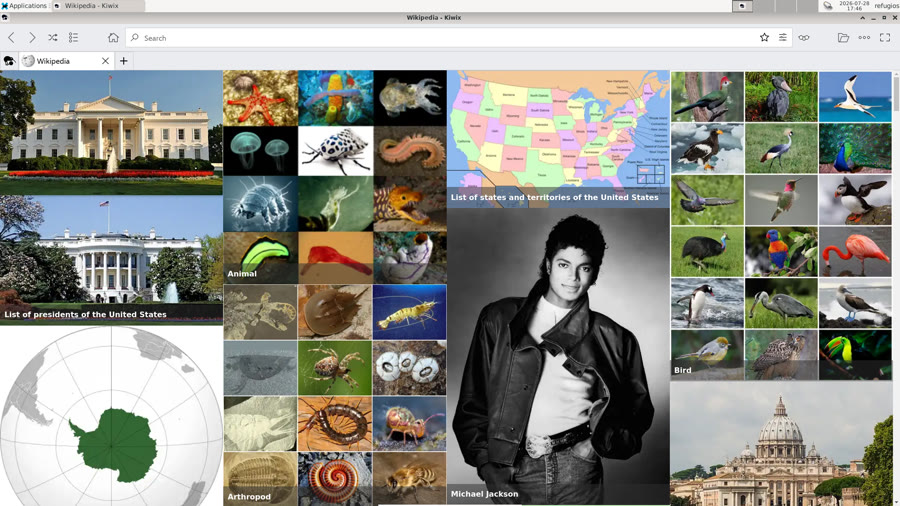
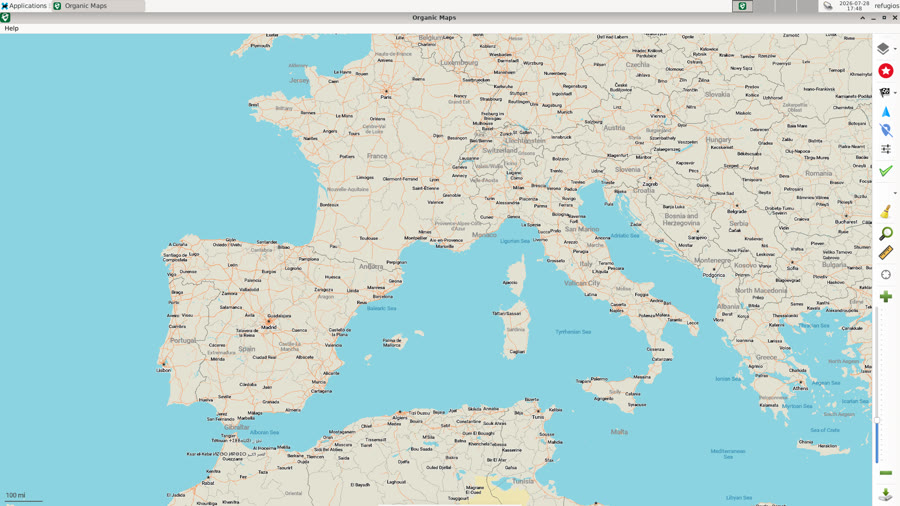
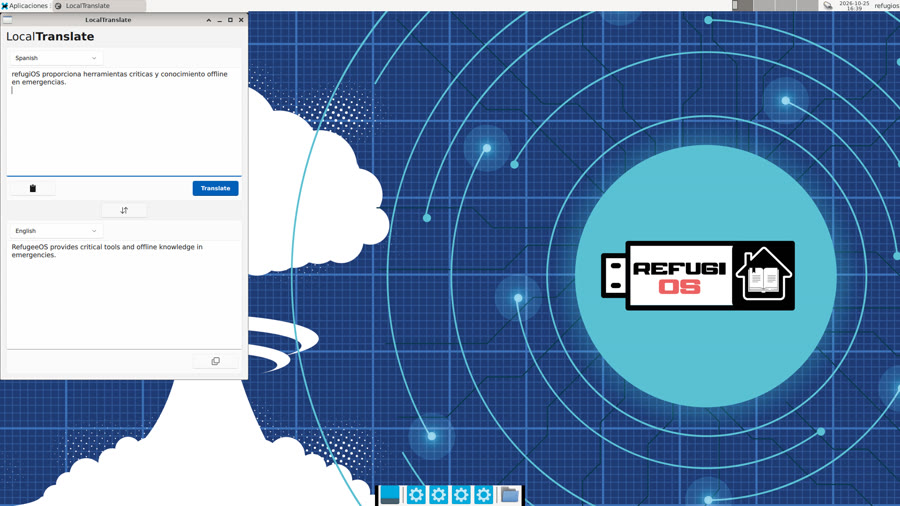
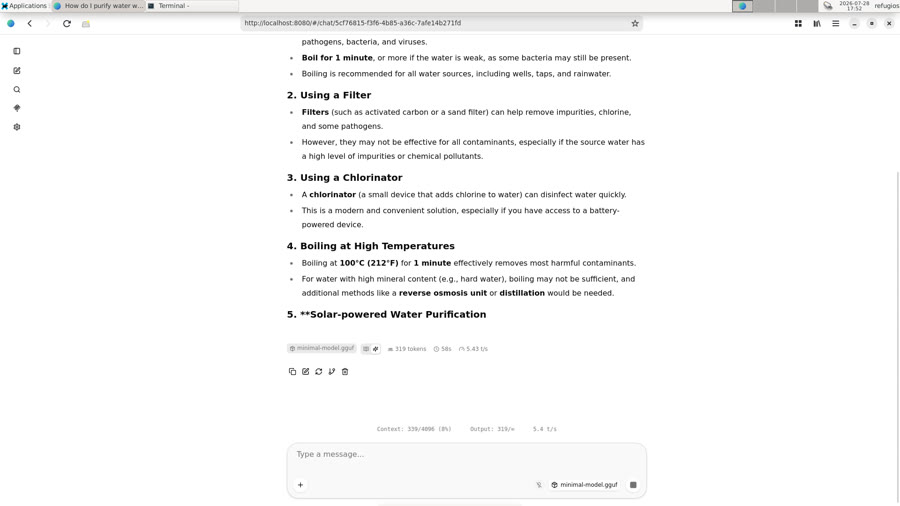
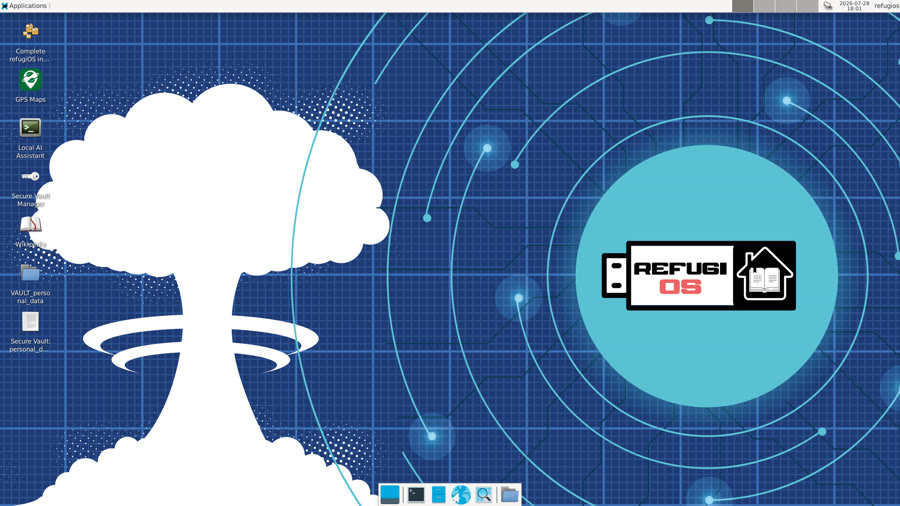
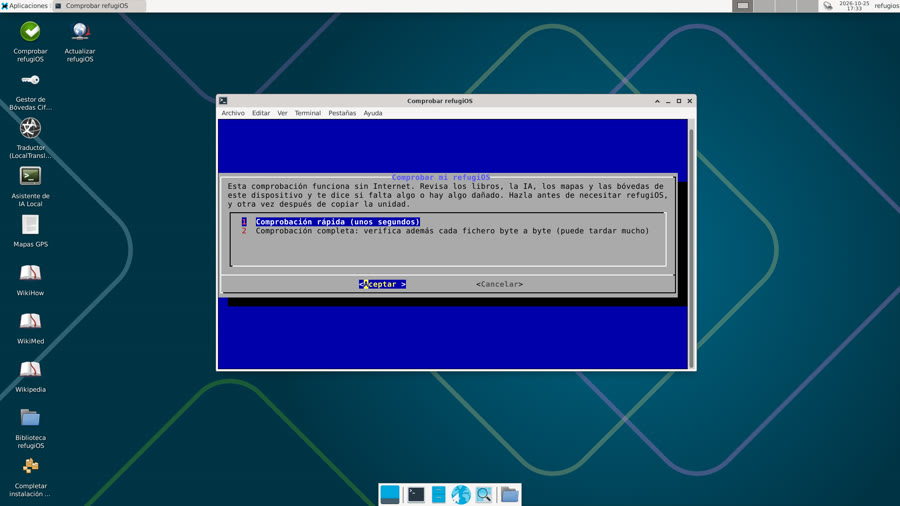
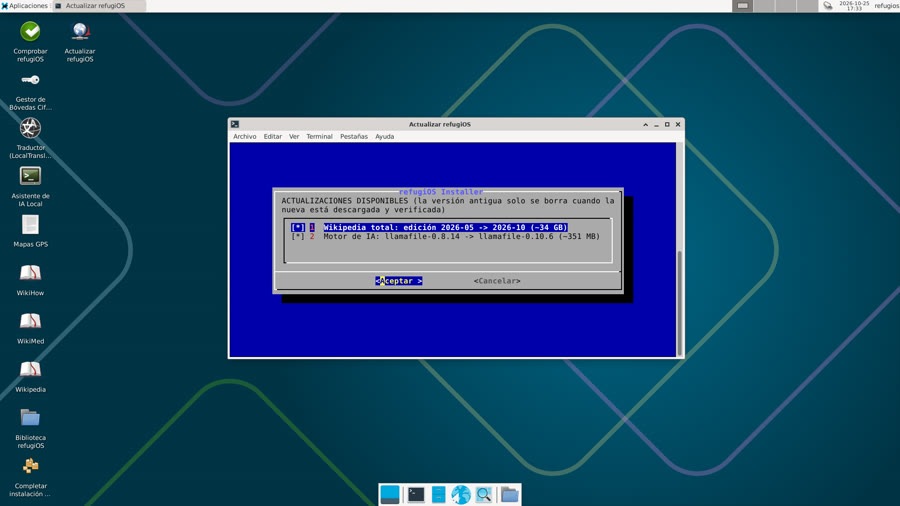
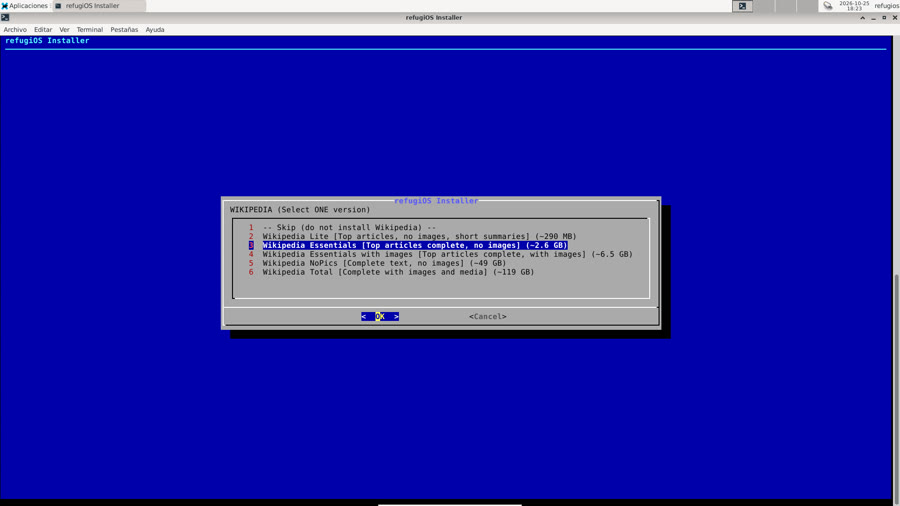
Extended gallery with 48 screenshots in English and Spanish available on the official repository.
Download Ready-to-Boot USB Image
Download the image in your language, unzip the .zip file, and flash the resulting .img onto a USB drive (using balenaEtcher, Rufus, or dd). When you boot from the USB, the welcome assistant will guide your setup.
Did the download arrive intact? Verify the SHA256 checksum
As these are large images (~2.8 GB), unstable connections may corrupt the file. Download SHA256SUMS.txt into the same folder and verify the checksum before flashing:
On Linux:
sha256sum --ignore-missing -c SHA256SUMS.txtOn macOS:
shasum -a 256 --ignore-missing -c SHA256SUMS.txtOn Windows (PowerShell):
Get-FileHash refugios-base-16G-en.img.zip -Algorithm SHA256
It must return OK or match the corresponding entry in the checksums file.
Step-by-step guides, system requirements, and comprehensive docs are available on GitHub.